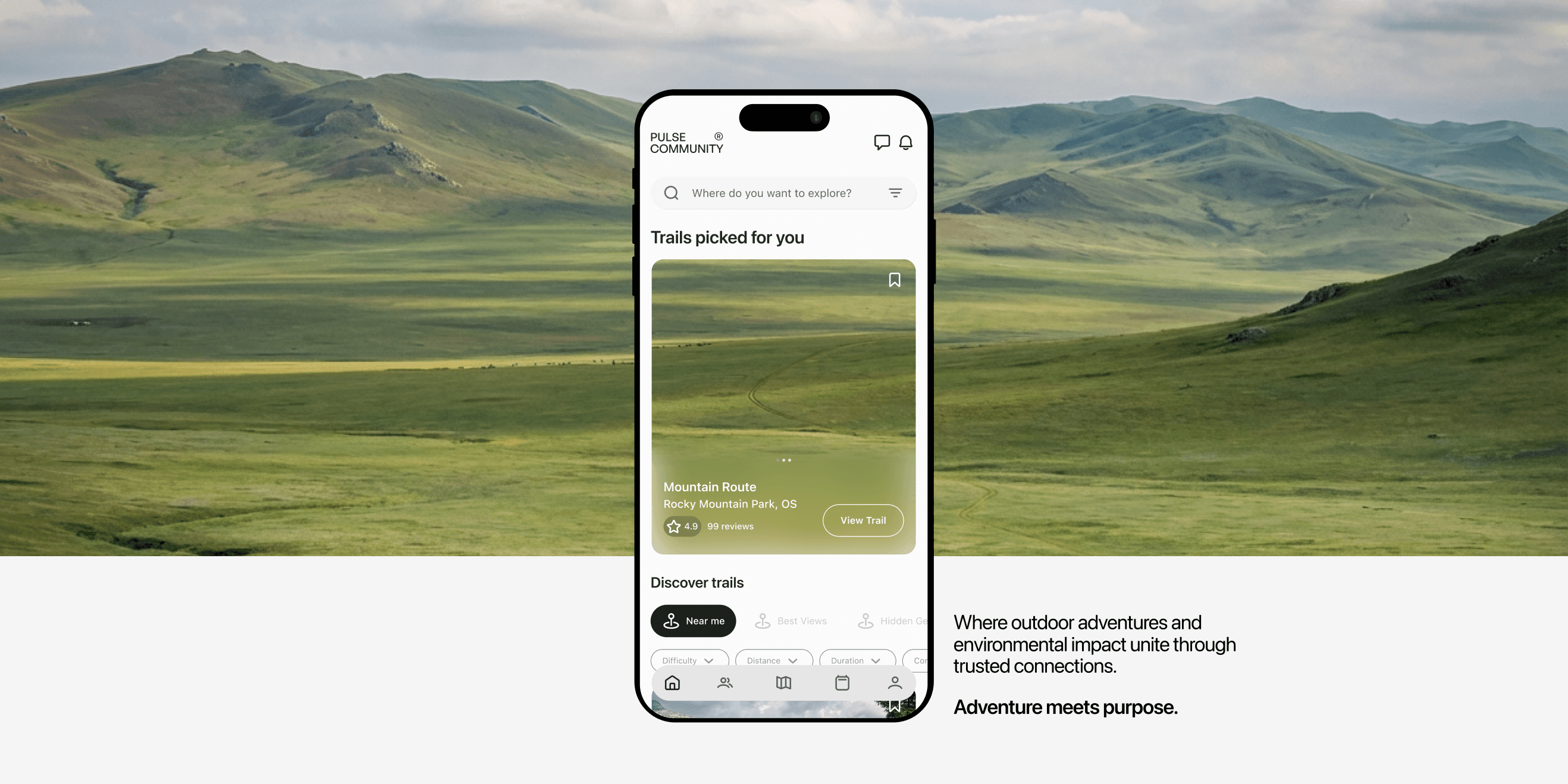
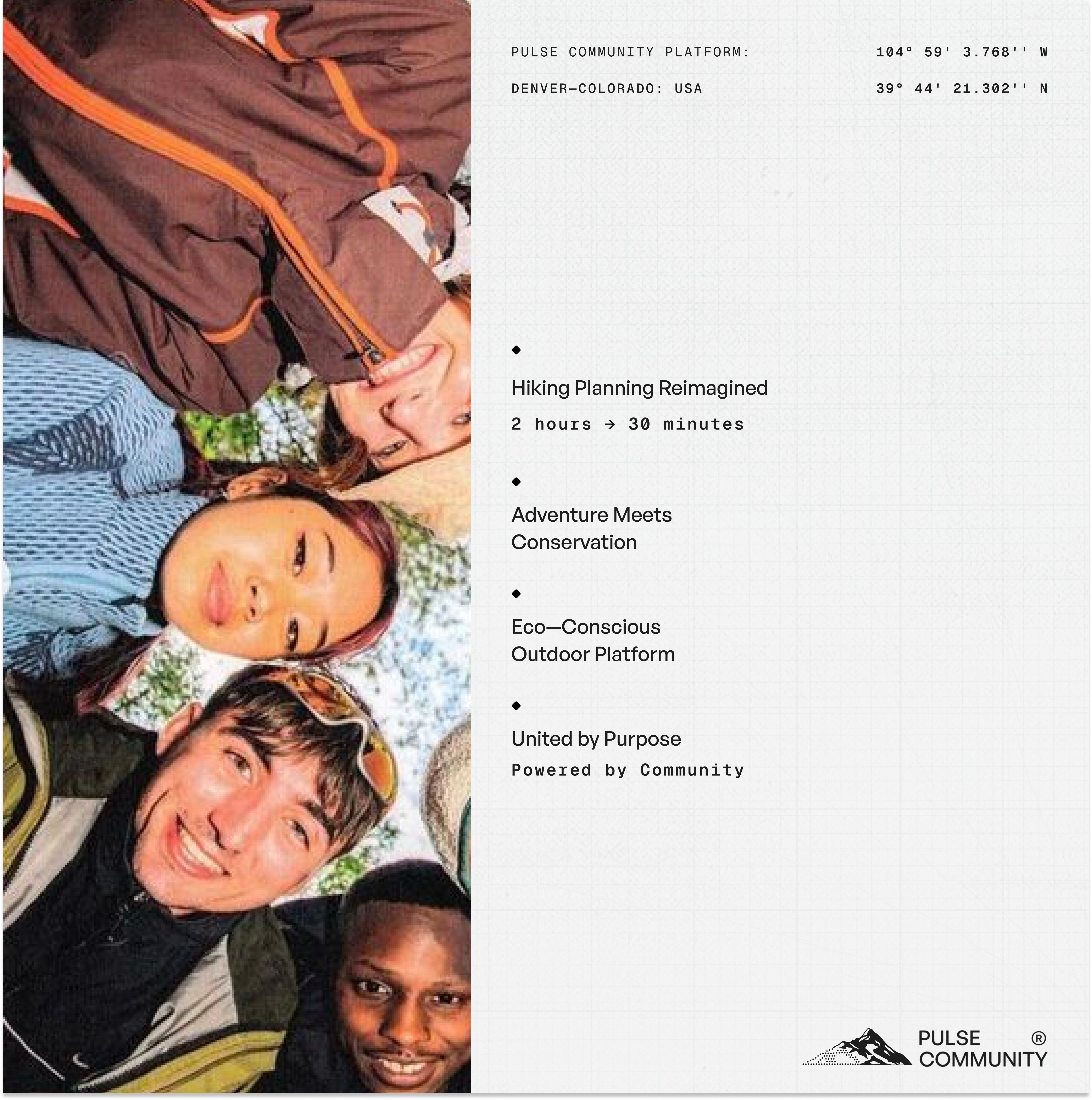
An outdoor adventure app connecting hikers with trustworthy trail information, conservation impact tracking, and community guidance—making trip planning confident instead of overwhelming.
ROLE
Solo Brand + Product Designer
TOOLS
Figma
Adobe Illustrator
Claude
WHAT I DESIGNED
Complete visual identity (logo, app icon, brand system)
Mobile app interface (iOS)
Design system (components, patterns, accessibility)
THE QUICK STORY
The Problem
Outdoor enthusiasts spend hours planning a single hike across disconnected platforms:AllTrails for trails, Instagram for photos, Reddit for real conditions… and still feel uncertain because there's no way to assess if advice is credible. When someone says a trail is "moderate," you don't know if that's moderate for an experienced mountaineer or a casual weekend hiker. Meanwhile, 30 million new hikers emerged post-pandemic with no way to find trustworthy guidance or connect outdoor adventure with environmental impact.
My Approach
Trust Through Transparency
I noticed when reading trail advice, I couldn't tell who to trust. "Moderate" means different things to different people—what's moderate for an experienced hiker might be challenging for me.
Research indicated this was common among users—people spend 30+ minutes cross-referencing sources trying to assess credibility rather than trusting a single platform.
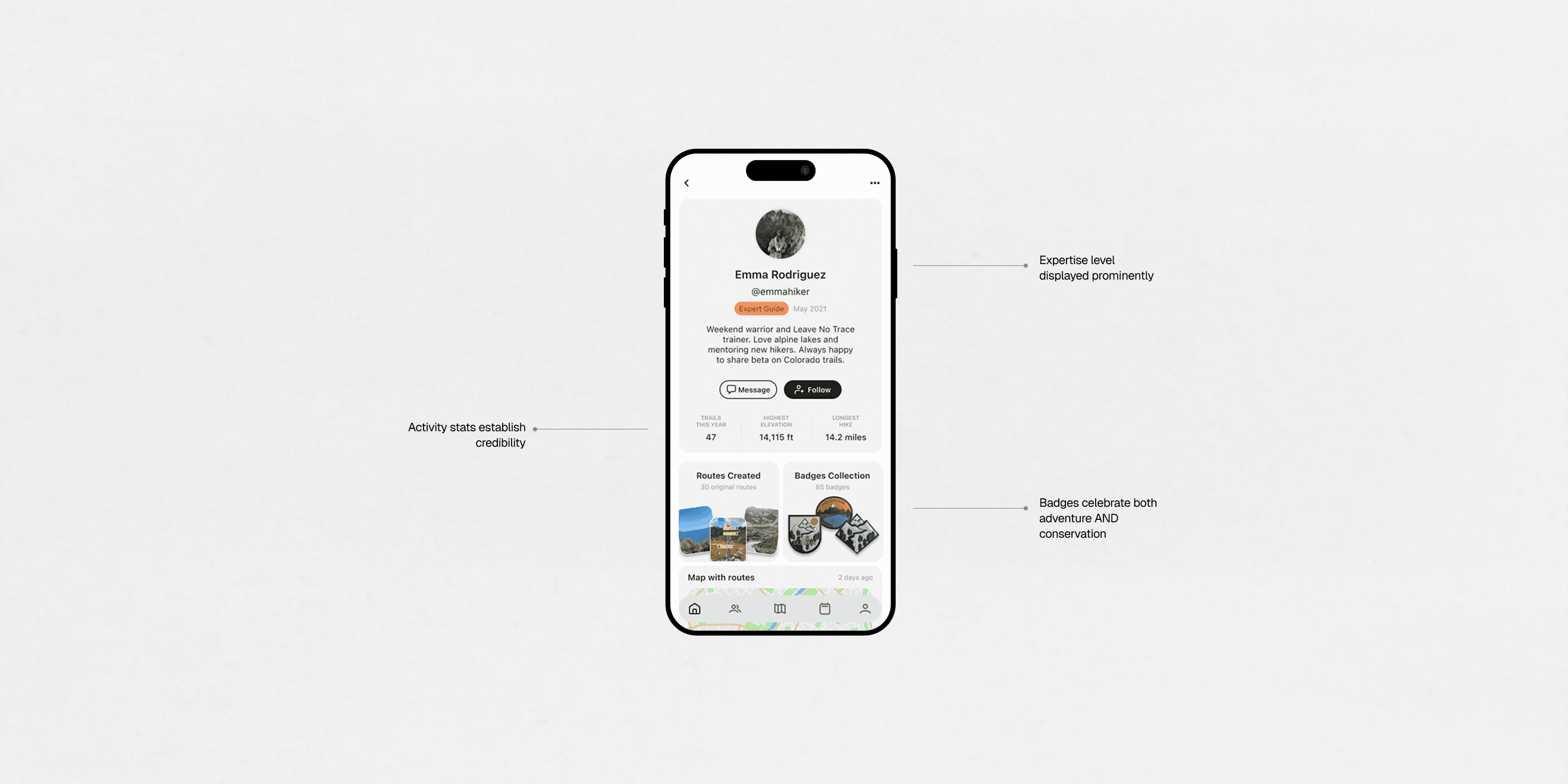
I decided every profile shows visible expertise indicators: experience level badges, activity timelines, and helpful vote counts. This transforms anonymous advice into verified guidance—you can instantly see "this person has completed 50+ hikes similar to yours" and decide if their advice is relevant to your skill level.
I noticed apps like Strava focus entirely on physical accomplishments—distance, speed, elevation. But I wanted to celebrate helping the places you visit, not just conquering them.
Analyzing existing platforms revealed gamification drives engagement, but performance-obsessed cultures alienate casual enthusiasts and ignore environmental impact entirely.
I decided to create a dual achievement system: adventure badges (trail types, distances, elevations) balanced with conservation badges (cleanups participated, sustainable choices made, impact measured). This makes environmental responsibility feel empowering rather than guilt-inducing, naturally aligning community behavior with outdoor values.
I noticed I didn't know when to display weather forecasts, offline map downloads, or safety contacts. These matter when you're planning a specific trip, not when you're browsing trails casually.
Analyzing user behavior revealed people have two distinct mindsets: exploring possibilities (search mode) versus preparing for a specific adventure (planning mode).
I decided to separate the experience: Search shows basic information (route type, time estimate, elevation chart) for quick comparison. But when you press "Plan Trail," you enter a dedicated flow where you set a date, invite friends, and access detailed planning information (weather forecast for that date, offline maps, safety contacts, gear checklist). The right information appears at the right moment in your journey.
The Solution
Trail Discovery - Trust-Filtered Recommendations
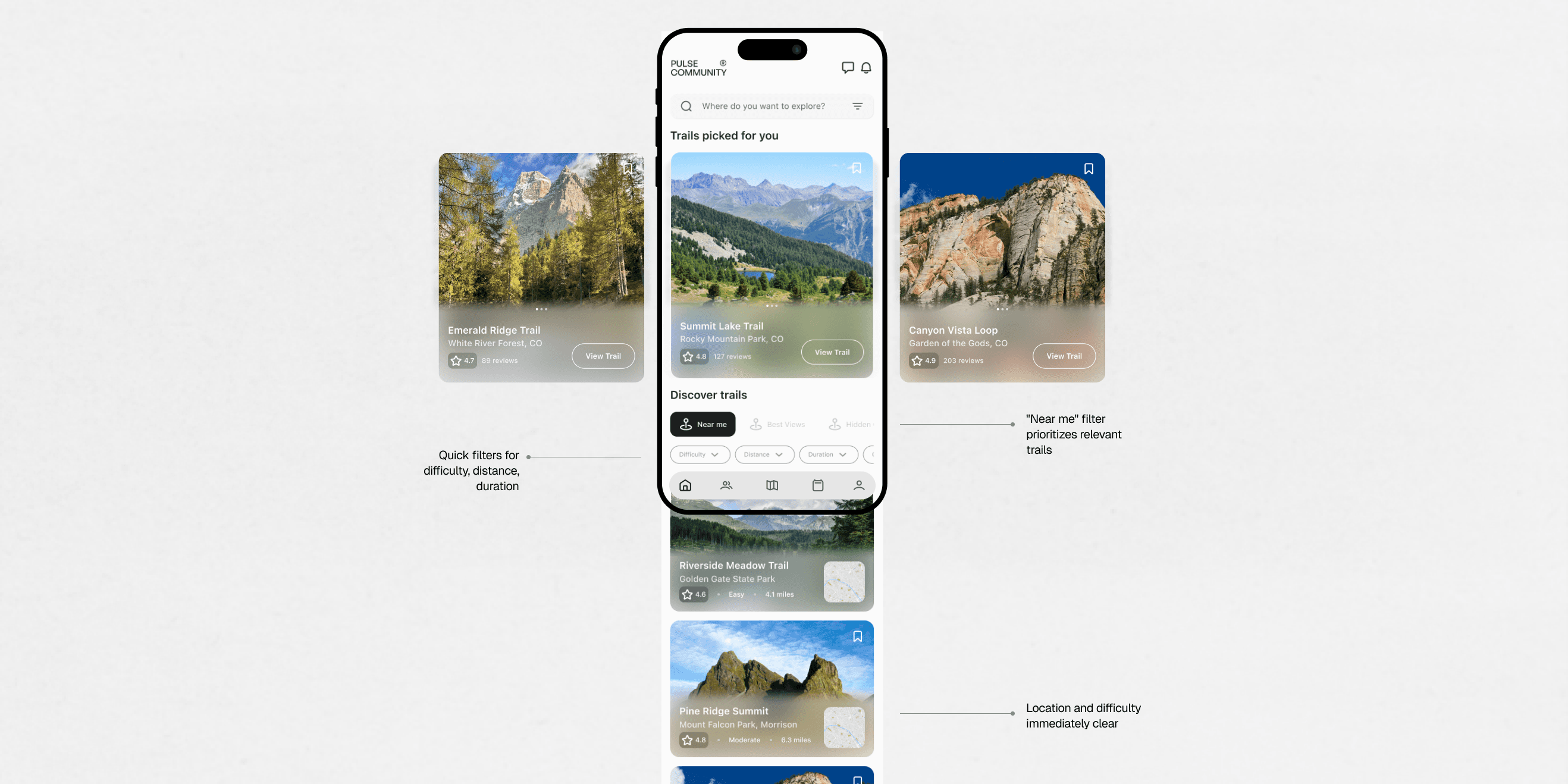
Trail discovery interface with trust-filtered recommendations and clear visual hierarchy. Cards show aggregate community rating, recent activity, and difficulty at a glance. Search and filter controls optimized for thumb reach. Users can quickly scan options without endless scrolling through undifferentiated lists.
Trail Detail - Layered Information
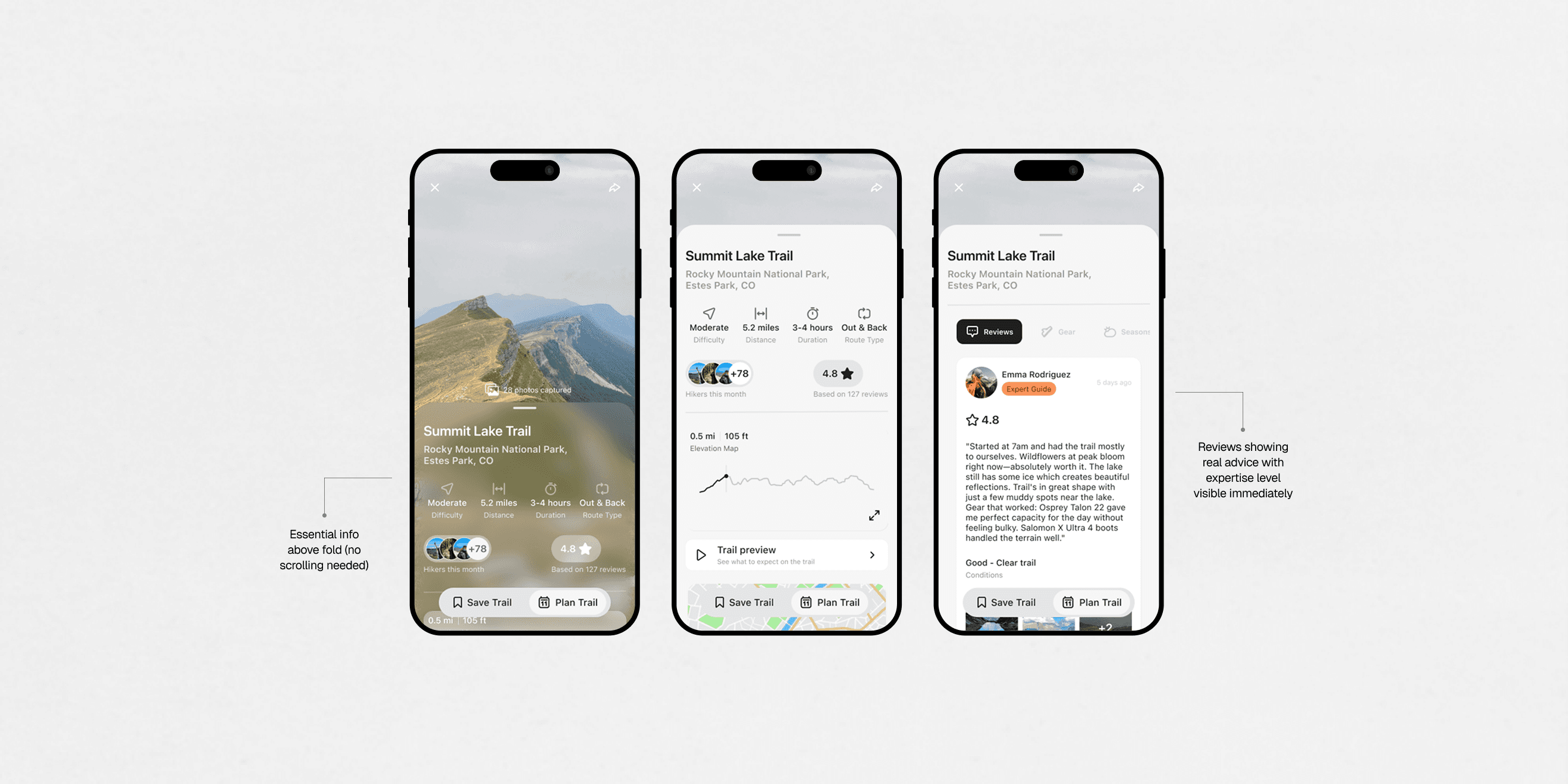
Trail detail page demonstrates three-tier information architecture. Essential details above fold (distance, elevation, difficulty, recent conditions), quick facts on scroll (trail features, what to expect), and tabbed deep-dive for experts (detailed conditions, gear recommendations, route variations). Beginners get confidence from first screen. Experts access depth on-demand.
Planning Flow - Context-Aware Details
When users press "Plan Trail," they enter a dedicated planning flow with date-specific information. Set your trip date, invite friends or go solo, then access detailed planning tools: weather forecast for your specific date, offline map download, safety contact setup, gear checklist. The right information appears at the right moment.
Profile - Dual Achievement System
Profile screen demonstrating dual achievement system—adventure badges (trail types, distances completed, elevations gained) balanced with conservation badges (cleanups participated, sustainable choices made, impact measured). Environmental impact is visible and celebratory, not guilt-inducing. Community standing based on helpful contributions and mentorship, not just activity volume.
Brand Graphics
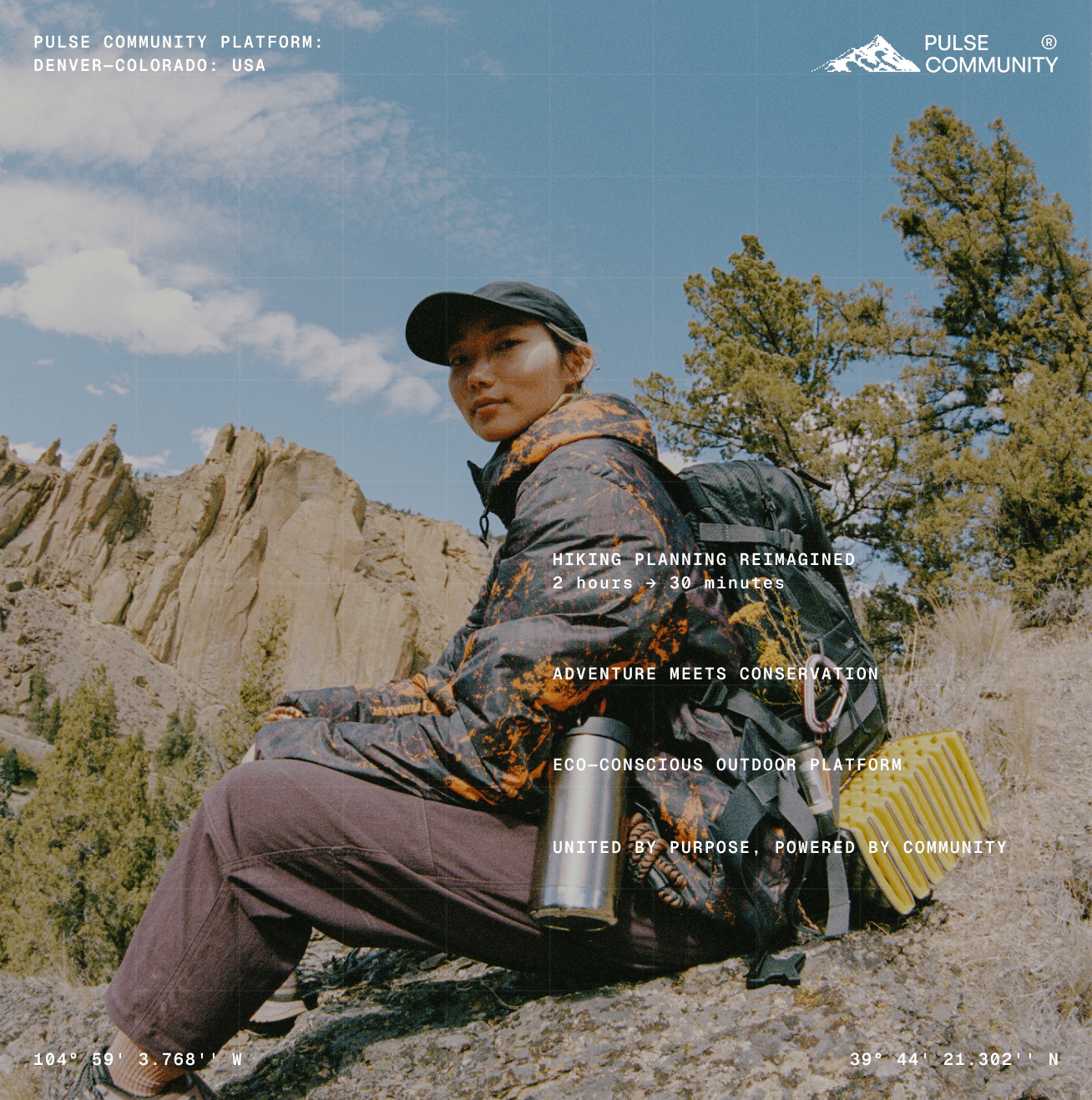
Pulse needed to feel authentic and natural—celebrating outdoor adventure without looking corporate—while maintaining credibility for safety-critical planning decisions. I wanted approachable for beginners, trustworthy for serious hikers.
What I designed:
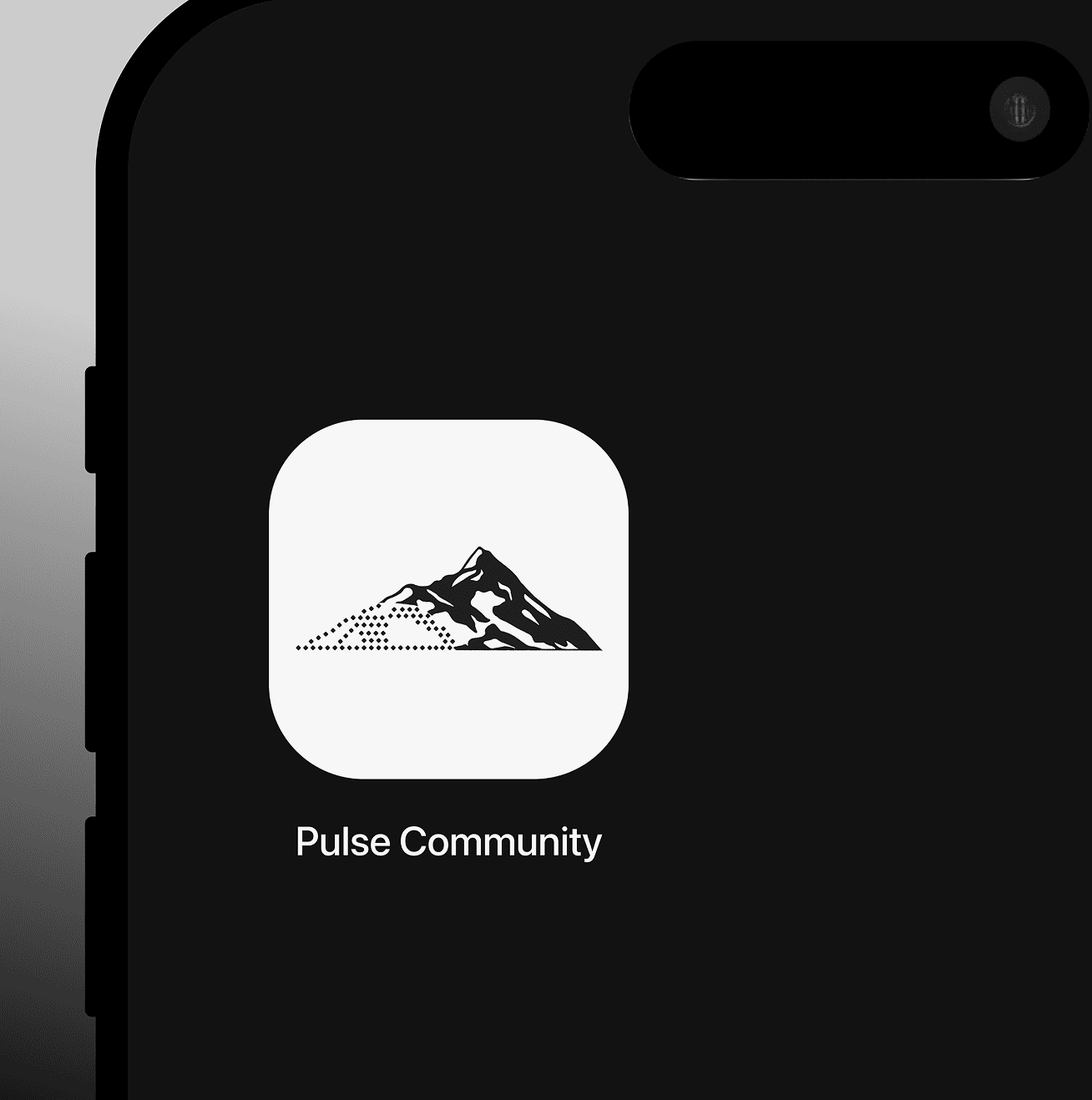
Logo & App Icon — A stylized mountain silhouette with dotted trail pattern representing the journey from beginner to expert. The geometric shape communicates stability and trust, critical for outdoor safety decisions. The dotted "pulse" pattern suggests both heartbeat (connection to nature) and trail path (adventure journey).
Color System — Natural greens and earth tones that feel authentic to outdoor environments. The palette needed to work in bright sunlight (high contrast for outdoor use) while maintaining accessibility standards. Primary green for trust and growth, accent colors for different trail difficulties and achievement types.
Typography — Readable sans-serif that works at small sizes on mobile devices in variable lighting. Clear hierarchy for scanning information quickly when you're at a trailhead deciding whether to proceed.
Components — Thumb-friendly mobile-first design. Large tap targets for use with gloves. High contrast for readability in bright outdoor conditions. Everything designed for real-world outdoor use cases, not just ideal office environments.
What I Learned
01
IA is about timing, not just organization
When I struggled with where to place weather information, I initially thought "users need all weather data to make decisions." But through designing the flows, I realized users need different information at different moments. This taught me that good information architecture matches content to the user's journey stage—context drives what information matters when.
02
Design for two audiences requires progressive disclosure
My biggest challenge was serving anxious beginners needing simplicity and experienced mentors wanting comprehensive tools. The solution: progressive disclosure with essentials above fold and detailed data accessible through tabs.
03
Gamification works when it serves purpose
I was initially skeptical about badges and achievement systems, worried they'd feel gimmicky for serious outdoor enthusiasts. But researching taught me that gamification works when it reinforces authentic behaviors rather than manufacturing artificial goals.
Thanks for reading
If this case study resonates with how you think about design: research-driven, user-centered, and focused on real impact. I'd love to talk about opportunities with your team.